2026-11-07 · AI Game Harness · XGENIA
How to Build and Ship a Real-Money Casino Game from Claude Code Using MCP
Connect XGENIA to Claude Code in two commands and give Claude 17 specialized MCP tools for slot node graphs, 1-billion-spin maths simulation, style-anchored art and lab compliance packs.
Key Takeaways
- Claude Code on its own writes great TypeScript, but lacks a casino maths simulator, a style-anchored art pipeline, a visual PixiJS node editor and an RGS compliance pack generator.
- Connecting XGENIA to Claude Code takes two terminal commands (/plugin marketplace add XgeniaORG/xgenia and /plugin install xgenia@xgenia) and exposes 17 MCP tools.
- Engineers can drive the build from the terminal in Claude Code while artists and mathematicians work on the exact same project in the XGENIA desktop editor.
- Every build produced from Claude Code goes through the same XGENIA harness: 1-billion-spin seeded maths verification, self-test browser spin checks, and full source export.
Can you build a real-money slot game in Claude Code? On its own, Claude Code can scaffold a browser game loop, but it cannot simulate casino maths over a billion spins on a gaming server, lock a visual style anchor across symbol packs, let an illustrator paint wet media with a Wacom pen, or sign a testing-lab compliance pack. When you connect XGENIA to Claude Code over MCP (Model Context Protocol), Claude gets 17 specialized casino-engine tools to drive the entire XGENIA harness from your terminal.
2 commands to connect XGENIA to Claude Code
Inside an active Claude Code session, add the XGENIA plugin marketplace and install the plugin:
/plugin marketplace add XgeniaORG/xgenia
/plugin install xgenia@xgenia
Once connected, Claude Code isn't guessing how to structure a PixiJS slot from scratch—it operates directly on XGENIA's 303-node runtime, maths simulator and asset pipeline.
What the 17 XGENIA MCP tools let Claude Code do
- Scaffold & wire the node graph: Create scenes, reel strips, payline evaluators, free-spin state machines and UI popups as structured nodes your whole team can inspect visually in the XGENIA editor.
- Simulate & verify maths over 1 billion spins: Trigger parallel seeded simulations, read back RTP, hit frequency, volatility and max-win histograms, and iterate on reel weights until the target RTP is hit.
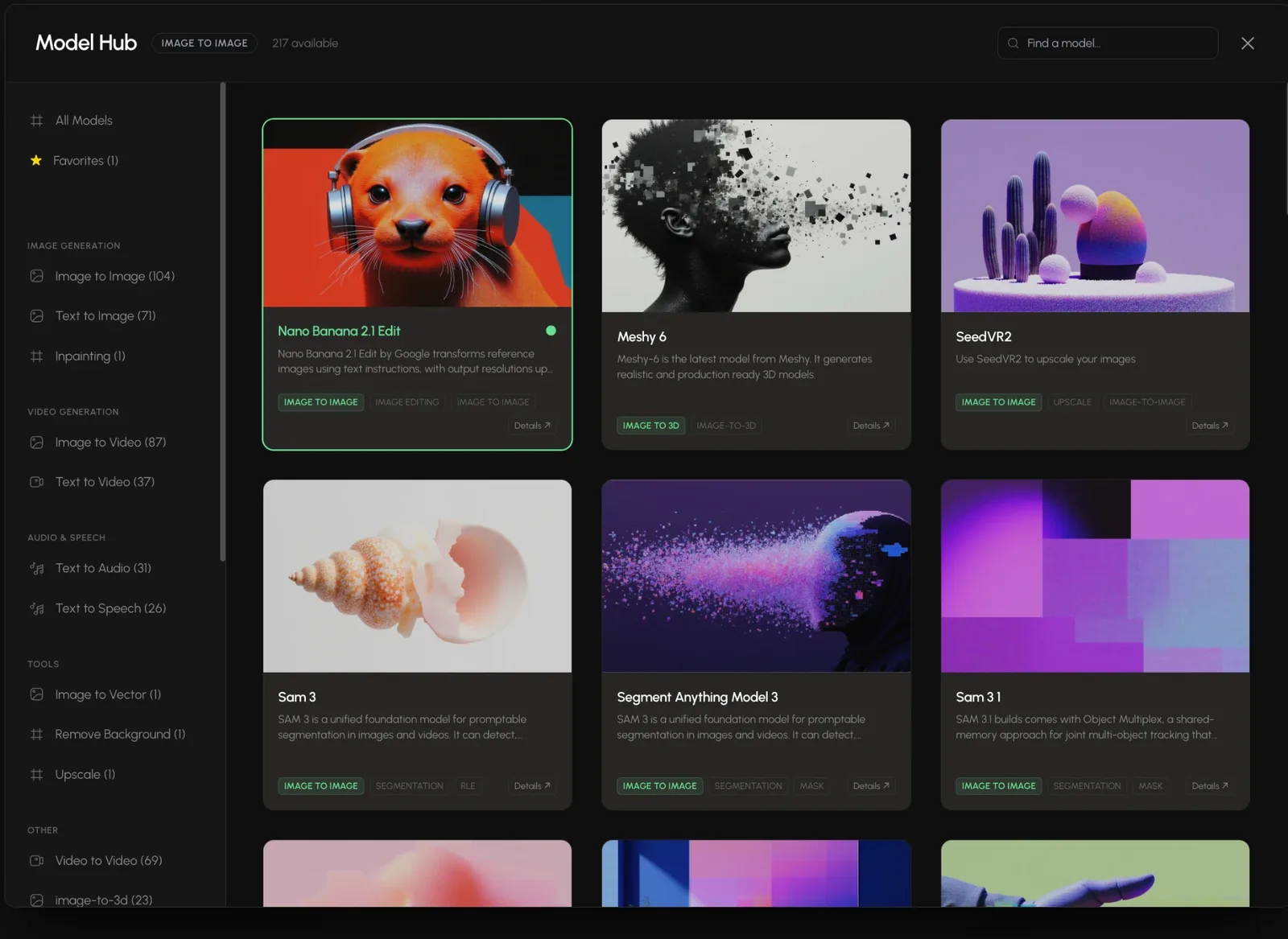
- Generate style-anchored art & audio: Call the XGENIA Model Hub (200+ image, video, audio and 3D models) anchored to your approved key art, while allowing your artists to open the project simultaneously and hand-paint layers.
- Self-test & publish to the RGS: Boot the headless verification check, confirm spin settlement on the XGENIA RGS, and export the PAR sheet and SHA-256 compliance pack.
One project, two interfaces: Terminal for engineers, Canvas for artists
The biggest bottleneck in AI-assisted game studios is that terminal coding tools lock out artists, sound designers and mathematicians. Because XGENIA stores the project as a clean, shared node and asset graph, your lead engineer can refactor TypeScript modules from Claude Code while your art director paints symbol highlights in the XGENIA layer editor—with zero merge conflicts and zero rebuilds.
Frequently asked questions
How do I install XGENIA in Claude Code?
Open Claude Code in your terminal and run two commands: first `/plugin marketplace add XgeniaORG/xgenia`, and second `/plugin install xgenia@xgenia`. Once installed, Claude Code gains 17 MCP tools to create projects, wire PixiJS and maths nodes, run 1-billion-spin simulations, generate style-anchored art and export compliance packs.
Do I need Claude Code to use XGENIA?
No. XGENIA is a complete standalone desktop application with its own built-in AI assistant, visual node canvas, 8-family brush art editor and maths simulator. Claude Code integration is an optional workflow for terminal-first engineers who want to drive the same XGENIA engine from their CLI.
Which AI models does XGENIA use when running standalone vs in Claude Code?
XGENIA is model-agnostic. Inside the standalone app, it routes language and code tasks to leading models (Claude, GPT, Gemini, GLM, Llama and others) through OpenRouter, and routes image, video, audio, speech and 3D generation across 200+ models in the Model Hub through fal. When connected to Claude Code over MCP, your Claude Code session orchestrates those same engine tools.